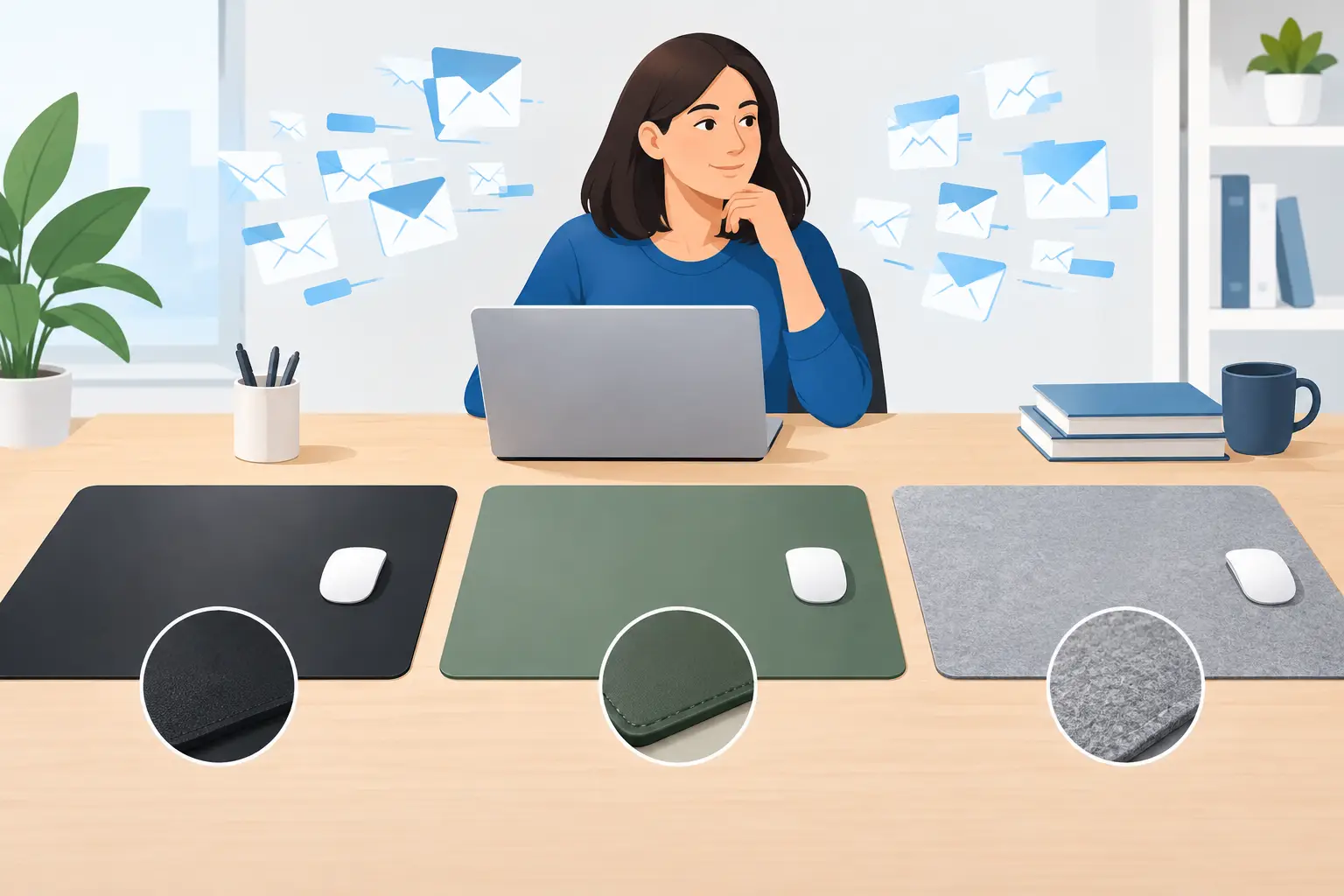
Desk Mat Comparison for People With Too Many Emails

Your desk mat has a surprisingly difficult job. It needs to give your mouse a decent place to live, protect the desk from coffee-related optimism, and look at least slightly more intentional than a pile of receipts. This desk mat comparison is for people who spend enough time at a desk to care, but not enough time to turn choosing a mat into a quarterly initiative.
The right option depends on how you work, what your desk is made of, and whether you want your workspace to say “calm professional” or “I have read the email and made a face.” Material, size, edge finish, and design all matter. Luckily, none of this requires a spreadsheet. Unless that is your thing. No judgment. Mild concern, perhaps.
Desk Mat Comparison: Start With the Surface
A desk mat is not just a larger mouse pad, although it is often asked to perform that role without receiving the credit. The surface changes how a mouse tracks, how a keyboard feels under your wrists, how easy the mat is to clean, and how much visual noise your desk can tolerate.
Fabric desk mats
Fabric is the familiar choice: soft, flexible, comfortable, and usually the least dramatic member of the desk accessory family. A cloth surface provides controlled mouse movement, which can feel especially good for everyday work, browsing, design tasks, and gaming that is more “one quick round” than competitive tournament behavior.
It is also forgiving. A fabric mat softens the feel of a hard desk and reduces the little clacks and scrapes made by keyboards, mugs, and whatever object you have been using as a paperweight. The trade-off is cleanup. Dust, crumbs, and spills can settle into fabric, so choose one that is easy to wipe down or wash according to its care instructions. Coffee has no respect for your calendar.
Fabric works best if comfort matters more than a perfectly crisp, executive-looking setup. It is also a good fit for a desk that needs a little warmth, especially if the rest of the room is mostly monitors, cables, and the emotional glow of a status light.
Faux leather and leather-style desk mats
Leather and faux leather mats bring a cleaner, more structured look. They are smooth, quick to wipe, and good at making a desk appear organized even when there are seventeen browser tabs open and no plan for any of them.
These mats tend to work well for writing as well as mouse use. A notebook sits flat, a pen moves comfortably, and a spilled drink is less likely to become a permanent chapter in the desk’s history. They can also protect wood, glass, or painted surfaces from minor scratches.
The downside is feel. Some mice track beautifully on smooth leather-style surfaces; others may feel a little too fast or inconsistent, depending on the sensor and finish. If precision mouse control is your top priority, fabric often wins. If easy cleaning and a polished look are the priority, faux leather is difficult to argue with. It will not argue back, which is another benefit.
Hard desk mats
Hard mats are usually made from plastic, metal, or a rigid composite. They offer fast mouse movement and a very defined surface, which can appeal to users who like a slick, responsive feel. They are easy to clean and usually stay perfectly flat, unlike that one corner of a rolled mat that has apparently developed its own beliefs.
Their trade-off is comfort. A hard surface can feel colder, louder, and less pleasant for long typing sessions. It may also show scratches over time, particularly in high-use areas. These mats are best for people who want speed, durability, and minimal fuss, not a cozy desk experience.
Size Matters More Than Most People Expect
Small mouse pads are fine when desk space is genuinely limited. They are compact, inexpensive, and easy to move around. But a small pad also creates an oddly narrow area where your mouse is allowed to exist, like it is renting a studio apartment in an expensive city.
Medium desk mats give you more room for broad mouse movements while keeping the keyboard on the desk itself. This is a sensible option for smaller workstations, laptop setups, or anyone who uses their desk for things besides staring into the abyss of a project tracker.
Large desk mats sit beneath both the keyboard and mouse. For most remote workers, creative professionals, and office dwellers with a permanent setup, this is the sweet spot. The mat visually anchors the desk, protects a wider area, and gives your mouse room to roam without falling off the edge every six seconds.
Extra-large mats can cover most of the desktop. They are useful for gamers, multi-monitor setups, and people who like their workspace to feel unified. Measure first, though. A mat that overhangs the desk or crowds a drawer does not look intentional. It looks like the desk lost a bet.
Before choosing, measure the usable space between your monitor stand, keyboard position, and desk edge. Then leave room for the things you actually use: a mug, notebook, phone, snack, or a tiny plant trying its best in low office light.
Edges, Bases, and the Boring Details That Aren’t Boring
A desk mat can have a great design and still become irritating if it slides around or curls at the edges. The practical details are where good intentions either become a pleasant daily experience or a low-level annoyance you mention to nobody for six months.
A non-slip rubber base is especially useful on smooth desks. It keeps the mat in place while you type, write, and move your mouse with unnecessary intensity during a video call. Rubber-backed fabric mats generally offer the most stable setup.
Look at the edge finish, too. Stitched edges can help prevent fabric mats from fraying, particularly if the mat gets heavy daily use. A clean-cut edge can look more minimal, but it may wear sooner depending on the material. Neither is automatically better. If you value longevity, stitched edges are usually the safer bet. If you prefer a spare, flat look and treat your desk accessories with basic human decency, a clean edge may suit you.
Thickness is another quiet factor. A thicker mat adds cushion and can make a hard desk more comfortable. A thinner mat looks tidier and is easier to slide a notebook onto. Writers and notebook users may prefer a slim, firm surface; keyboard-heavy workers may appreciate more padding under the wrists.
Choose a Design You Won’t Get Tired of Seeing
A desk mat is directly in your line of sight for hours. That makes its design more personal than a decorative object across the room. You do not need it to scream for attention. In fact, it probably should not. Your inbox already has that covered.
Neutral colors work if you want the mat to disappear into the setup. Black, gray, tan, and muted solid colors are easy to pair with almost anything. They are practical choices for shared offices or people whose idea of self-expression is owning a very nice pen.
Graphic designs make more sense when you want the desk to have a point of view. High-contrast type, dry humor, and simple artwork can add personality without turning the workspace into a motivational poster convention. The best designs feel like an inside joke with yourself, not a demand for everyone nearby to react.
This is where a desk accessory can do more than protect a surface. A well-chosen funny mat gives you a small visual reset between tasks. SarkyJoe’s desk-oriented designs lean into that idea: clean, readable graphics for people who would like their workstation to acknowledge reality without making a whole scene about it.
Which Desk Mat Is Right for You?
If you want comfort and dependable mouse control, choose a fabric desk mat with a non-slip base. It is the easy everyday choice and works with most setups.
If you want a cleaner, easier-to-wipe surface for writing, coffee, and general adulting, choose faux leather or another smooth leather-style mat. Just make sure your mouse tracks well on it before committing your entire workweek.
If you need speed and a crisp, rigid surface, a hard mat makes sense. It is practical, durable, and not especially interested in being cozy.
If your desk feels visually chaotic, go larger and choose a design that grounds the space. If your desk is tiny, choose a medium mat rather than forcing an oversized one into a situation where it clearly does not fit. The mat should make your work area feel easier to use, not give you one more thing to adjust before opening your laptop.
Pick the surface that supports your actual habits, not the imaginary version of you who never spills coffee, always clears their desk on Friday, and definitely does not use a charger cable as a bookmark. A good desk mat quietly makes the daily routine better. That is plenty of ambition for one rectangle.
Comments